Phone Safety for Tweens: Setting Up Emergency Features
Phone Safety for Tweens: Setting Up Emergency Features
Getting your tween their first phone is exciting: and maybe a little nerve-wracking! While you're probably thinking about screen time limits and appropriate apps, there's something even more important to tackle first: emergency features. Think of these as your child's digital safety net, ready to spring into action when they need help most.
The good news? Setting up these features is easier than you might think, and once they're configured, both you and your tween will feel more confident about their growing independence.
Why Emergency Features Matter More Than Ever
Tweens today are more independent than previous generations, walking to school alone, hanging out at friends' houses, and exploring their neighborhoods. With this freedom comes the need for reliable ways to get help when something goes wrong. Whether it's getting lost, feeling unsafe, or dealing with a medical emergency, having the right tools at their fingertips can make all the difference.
Emergency features aren't just about worst-case scenarios either. They're about building confidence: both yours and your child's. When everyone knows there's a plan in place, your tween feels more secure exploring their world, and you can breathe a little easier too.
Essential Emergency Features Every Tween Needs
Medical ID and Emergency Contacts
This is your starting lineup: the most critical information that needs to be easily accessible even when the phone is locked. If your child is ever in an accident or medical emergency, first responders need to know who to call and any important medical details.
For iPhone users: Open the Health app, tap your profile photo in the upper right, then select "Medical ID." Here you can add emergency contacts, medical conditions, allergies, medications, and other vital information. Make sure "Show When Locked" is turned on so this information is accessible even if the phone is locked.
For Android users: Go to Settings > Safety & Emergency > Emergency Information. You can add the same critical details here, including emergency contacts and medical information that first responders might need.
Pro tip: Include at least two emergency contacts in case one person isn't available, and consider adding a trusted neighbor or family friend who lives nearby.

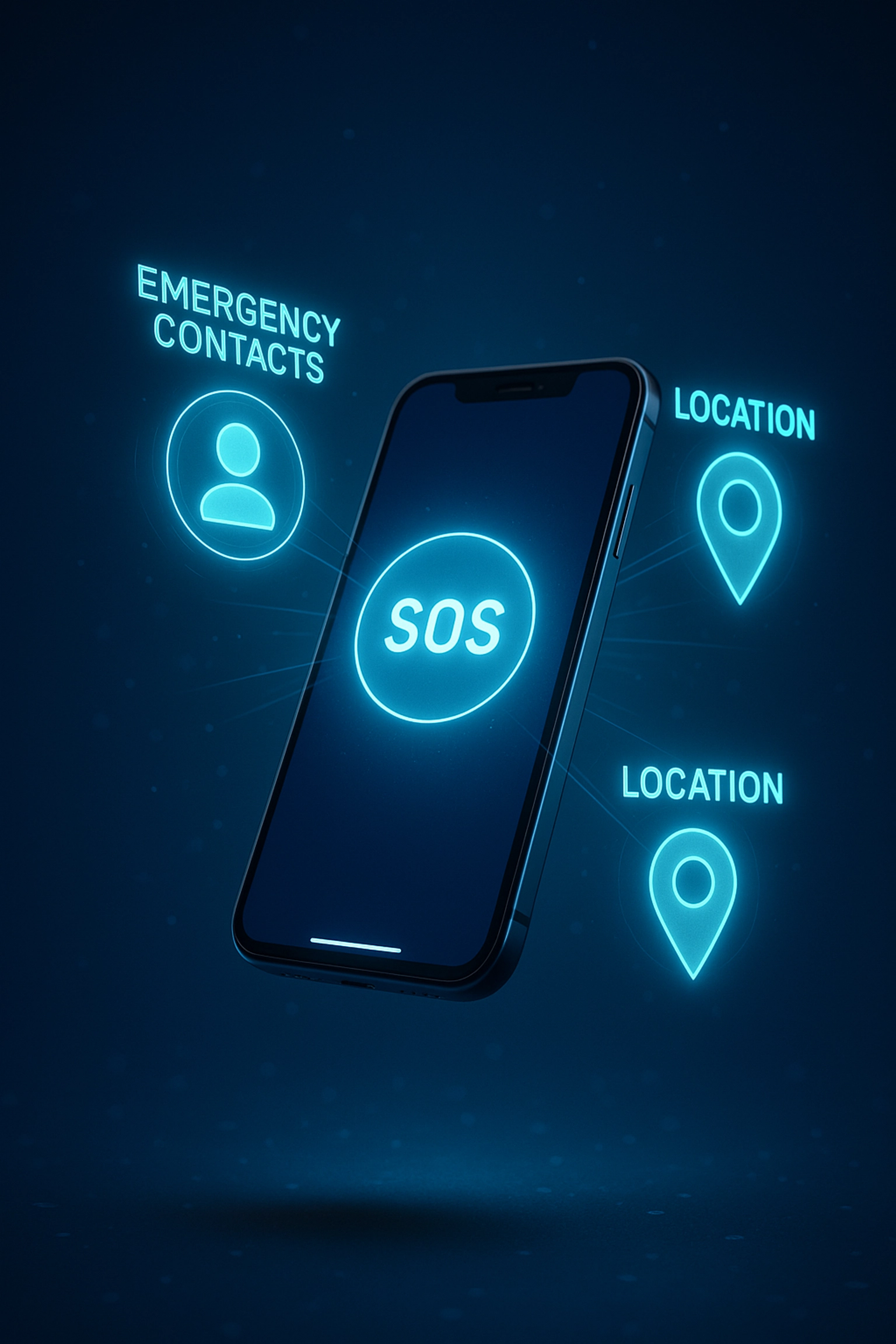
Emergency SOS Features
Most modern phones come with built-in SOS features that can automatically call emergency services and alert your designated contacts. These features are designed to work even when your child is too scared, hurt, or panicked to navigate through their phone normally.
iPhone Emergency SOS: Press and hold the side button and either volume button until the Emergency SOS slider appears. Your child can also rapidly press the side button five times. The phone will automatically call local emergency services and send a message with their location to all emergency contacts.
Android Emergency SOS: The setup varies by manufacturer, but most Android phones allow you to press the power button multiple times rapidly (usually 3-5 times) to trigger emergency mode. Samsung phones, for example, let you send SOS messages to emergency contacts with location information.
Make sure to test these features with your child so they know exactly how to use them: but be careful not to actually call 911 during practice!
Location Sharing and GPS Tracking
Knowing where your tween is can provide peace of mind for everyday situations and be crucial during emergencies. Most phones offer several ways to share location information.
Find My (iPhone) and Find My Device (Android): These built-in features let you see your child's location in real-time. You can also set up location alerts for specific places like school, home, or a friend's house.
Family Sharing and Google Family Link: These comprehensive solutions not only track location but also allow you to set digital boundaries, manage screen time, and monitor app usage.
The key is finding the right balance between safety and privacy. As your child gets older, you might transition from constant tracking to check-in systems or shared location only during specific activities.
Emergency Communication Tools
Sometimes calling isn't possible or practical. Your tween should know how to text 911 (available in many areas) and how to quickly share their location with trusted contacts.
Most messaging apps now allow users to share their live location temporarily. Teach your child how to do this in their primary messaging app so they can let you know exactly where they are if they're lost or feel unsafe.
Setting Up Safe Browsing for Emergency Situations
When kids are looking for help online, you want to make sure they're finding legitimate resources, not stumbling into unsafe territory. Built-in parental controls and safe browsing features help filter out inappropriate content while still allowing access to helpful resources.
Enable content filtering that blocks adult content, violence, and potentially dangerous websites. Most devices also allow you to whitelist specific emergency resources like local police department websites or trusted safety organizations.
Teaching Your Tween to Use Emergency Features
Having these features set up is only half the battle: your child needs to know how and when to use them. Here are some practical ways to build their confidence:
Practice Makes Perfect
Regular practice sessions help ensure your child can access emergency features even when they're stressed or scared. Make it a game: time them to see how quickly they can bring up their emergency contacts or activate location sharing.
Create different scenarios: "What would you do if you got separated from me at the mall?" or "How would you call for help if you saw someone get hurt at the park?" This helps them think through various situations before they happen.
Battery Conservation Skills
A dead phone can't call for help. Teach your tween basic battery conservation techniques:
- Lower screen brightness when battery is low
- Close unnecessary apps
- Turn on battery saver mode
- Know where to find public charging stations in places they frequent
Consider investing in a small portable battery pack for their backpack: just make sure they know how to use it safely.
The Buddy System Goes Digital
Encourage your tween to share their location with trusted friends when they're out together. This creates a safety network where multiple people know where everyone is, and friends can alert parents if someone doesn't check in as expected.
Creating Emergency Action Plans
Work with your tween to create simple, memorable action plans for different types of emergencies. These don't need to be complicated: just clear steps they can follow when they're stressed or scared.
If lost: Stop, look around for landmarks, call or text a parent, share location, stay put until help arrives or you get further instructions.
If feeling unsafe: Trust your instincts, move toward other people or into a public place, call for help, don't worry about being polite or causing a scene.
If witnessing an emergency: Call 911, don't try to help unless you're trained, stay safe yourself, be ready to give clear information about what's happening and where.
Building Confidence Through Knowledge
The more your tween knows about their emergency tools, the more confident they'll feel using them. Spend time together exploring all the features, reading about local emergency services, and discussing different scenarios.
Remember, the goal isn't to scare them about all the things that could go wrong: it's to empower them with the knowledge and tools they need to handle challenging situations safely.
Regular Check-ins and Updates
Emergency preparedness isn't a one-time setup. As your child grows and their activities change, their emergency needs might too. Schedule regular check-ins to update emergency contacts, review location settings, and practice using different features.
Keep emergency information current: phone numbers change, medical conditions evolve, and new safety concerns might emerge. Make reviewing emergency features part of your regular family safety conversations.
Setting up emergency features on your tween's phone is one of the best investments you can make in their safety and independence. With the right tools in place and proper training on how to use them, you're giving your child the confidence to explore their world while ensuring help is always just a few taps away.
Remember, these features work best when combined with ongoing conversations about safety, trust, and good decision-making. Your tween's phone can be a powerful safety tool( make sure they know how to use it wisely.)


Comments
Post a Comment