Online Games and Kids: Safety Guidelines
Online Games and Kids: Safety Guidelines
Picture this: Your 10-year-old comes running to you, eyes sparkling with excitement, asking to play the latest game all their friends are talking about. As a parent, you want to support their interests and social connections, but that little voice in your head starts asking questions. Is this game safe? Who might they interact with? What information could they accidentally share?
You're not alone in these concerns. Online gaming has become a huge part of childhood, with millions of kids logging in daily to play, create, and connect with others. While these digital playgrounds offer incredible opportunities for learning, creativity, and friendship, they also come with real safety challenges that every parent needs to understand.
The good news? With the right knowledge and approach, you can help your child enjoy online gaming safely while building their digital literacy skills for life.
Start with Open Communication
The most powerful safety tool you have isn't a piece of software – it's conversation. Building an open, judgment-free relationship with your child about their online activities creates a foundation where they'll actually come to you when something feels wrong.
Ask your child about their favorite games. What do they love about them? Who do they play with? These aren't interrogations – they're genuine conversations that show you care about their interests. When kids feel heard and understood, they're much more likely to share concerning experiences before they escalate.
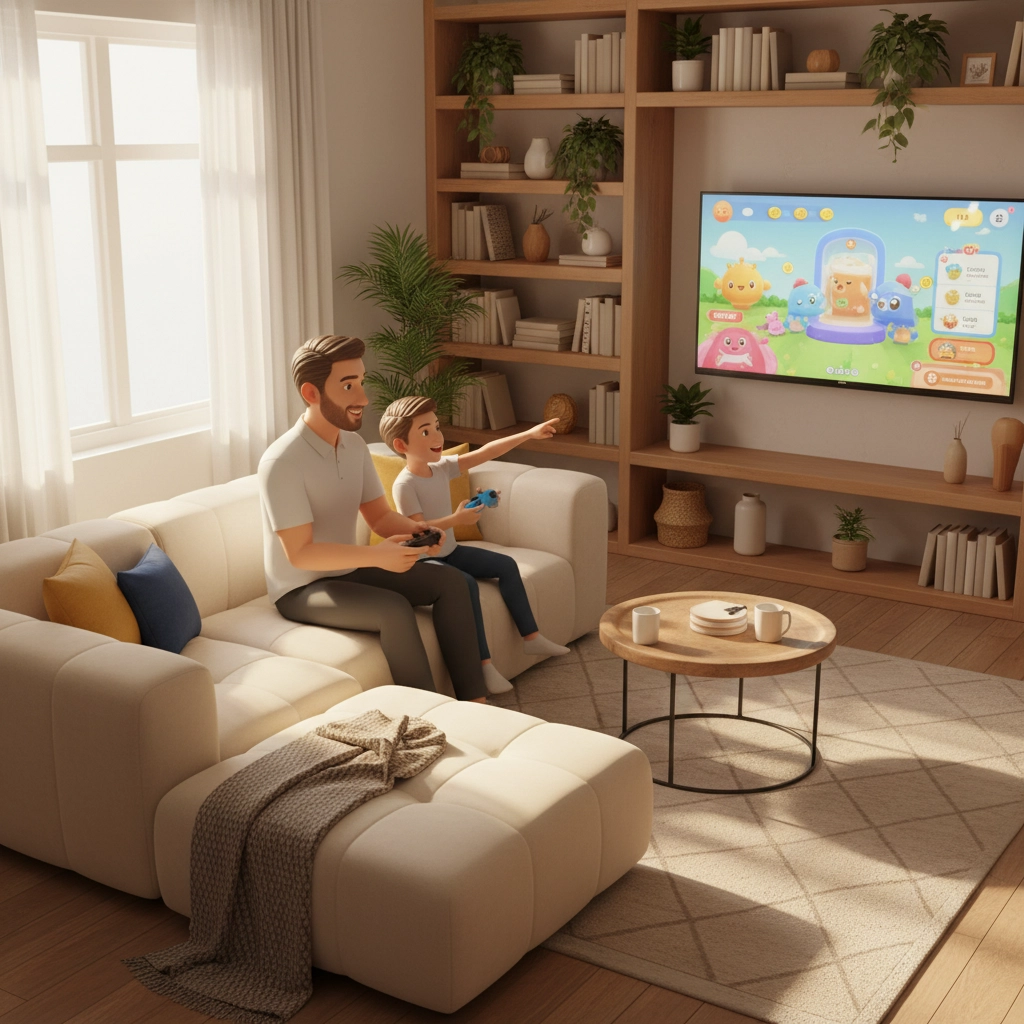
Consider jumping into their world occasionally. Yes, you might feel completely lost trying to navigate a Minecraft world or figure out Roblox, but your child will likely love being the expert teaching you. This shared experience gives you firsthand insight into their digital environment and creates natural opportunities to discuss safety.
Understanding Game Ratings and Content
Before any game gets downloaded, take a moment to check its age rating and content. Most games display age ratings like PEGI ratings that give you a quick sense of whether the content matches your child's maturity level. A game rated for ages 7+ will have very different themes than one rated for teens.
But here's the catch – these ratings typically focus on the game's content, not its communication features. A perfectly innocent-looking puzzle game might still allow your child to chat with strangers from around the world. This is why it's crucial to dig deeper than just the age rating.
Look for information about multiplayer features, chat capabilities, and social interactions. Many game descriptions will mention whether players can communicate with others, share content, or form teams with unknown players.
Master Privacy Settings and Parental Controls
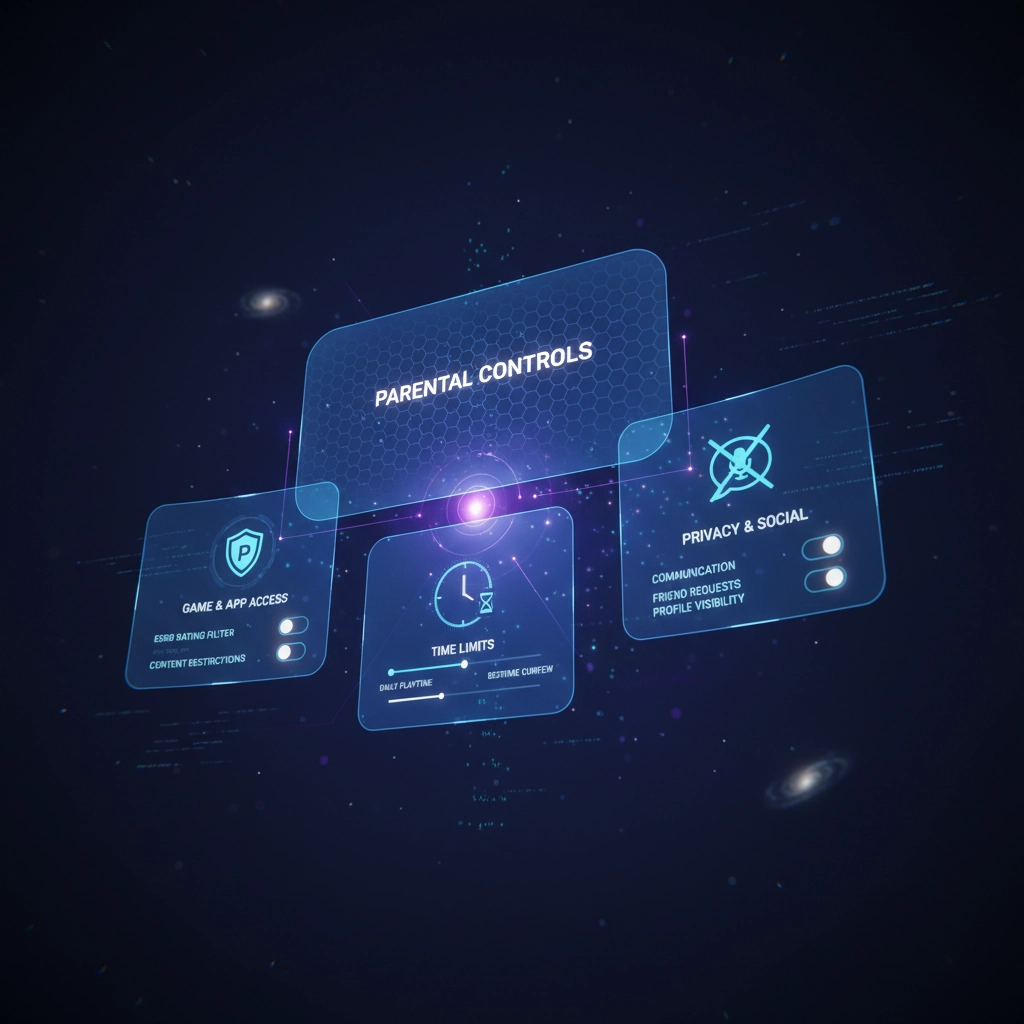
Every major gaming platform – from PlayStation and Xbox to mobile app stores – comes equipped with robust parental controls. The problem is, many parents never explore these settings or don't realize how customizable they can be.
Take time to dive into these settings before your child starts playing. You can typically control who your child can communicate with, set time limits for gaming sessions, restrict purchases, and even prevent them from downloading new games without your approval.
For younger children, consider setting communications to "friends only" or disabling chat features entirely. As kids get older and demonstrate good judgment, you can gradually loosen these restrictions while maintaining oversight.

Navigate Social Interactions Carefully
One of the biggest draws of online gaming is the social aspect – playing with friends, joining teams, and meeting new people who share similar interests. But this social component also presents the greatest safety risks.
Help your child understand the difference between online friends and real-world friends. Establish a clear rule that they should only accept friend requests from people they know in person. Regularly review their friend lists together, treating it as a normal part of digital hygiene rather than punishment or surveillance.
Watch out for gaming terminology that might signal private communications. Words like "whisper," "DM," or "private message" could indicate that someone is trying to move a conversation away from public game chat. Similarly, be alert if someone suggests taking the conversation to other platforms like social media or messaging apps.
Even when you've disabled chat features, remember that creative players find ways to communicate through game elements like signs, drawings, or character movements. Complete communication blocking is nearly impossible, which is why education becomes so important.
Protect Personal Information
Kids are naturally trusting and may not realize how much personal information they're sharing through gaming profiles, usernames, or casual conversation. Help them create usernames that don't reveal their real name, location, age, or other identifying details.
Review their gaming profiles together and remove any personal information like photos, real names, or location details. Many games ask for this information during setup, but it's rarely actually required for gameplay.
Have regular conversations about what information is okay to share (favorite games, general interests) versus what should stay private (real name, school, address, family details). Make this feel like practical life skills rather than scary warnings.
Handle Financial Safety
In-game purchases have become a significant part of the gaming industry, and kids can rack up serious charges without realizing it. Some games make spending money feel like just another part of gameplay rather than real financial transactions.
Set clear rules about purchases before problems arise. Many parents establish a policy where kids must ask permission before any purchase, no matter how small. Others provide a monthly gaming allowance that kids can spend freely within set boundaries.
Remove saved payment methods from gaming devices and accounts. That extra step of entering payment information gives both you and your child a moment to pause and consider whether a purchase is really worthwhile.
Teach Digital Stranger Awareness
The concept of "stranger danger" becomes more complex in digital spaces where people can misrepresent themselves easily. Help your child understand that online interactions require different safety considerations than face-to-face meetings.
Explain that people online might not be who they claim to be – that "12-year-old gamer" could actually be an adult with harmful intentions. This doesn't mean everyone online is dangerous, but it does mean maintaining healthy skepticism and boundaries.
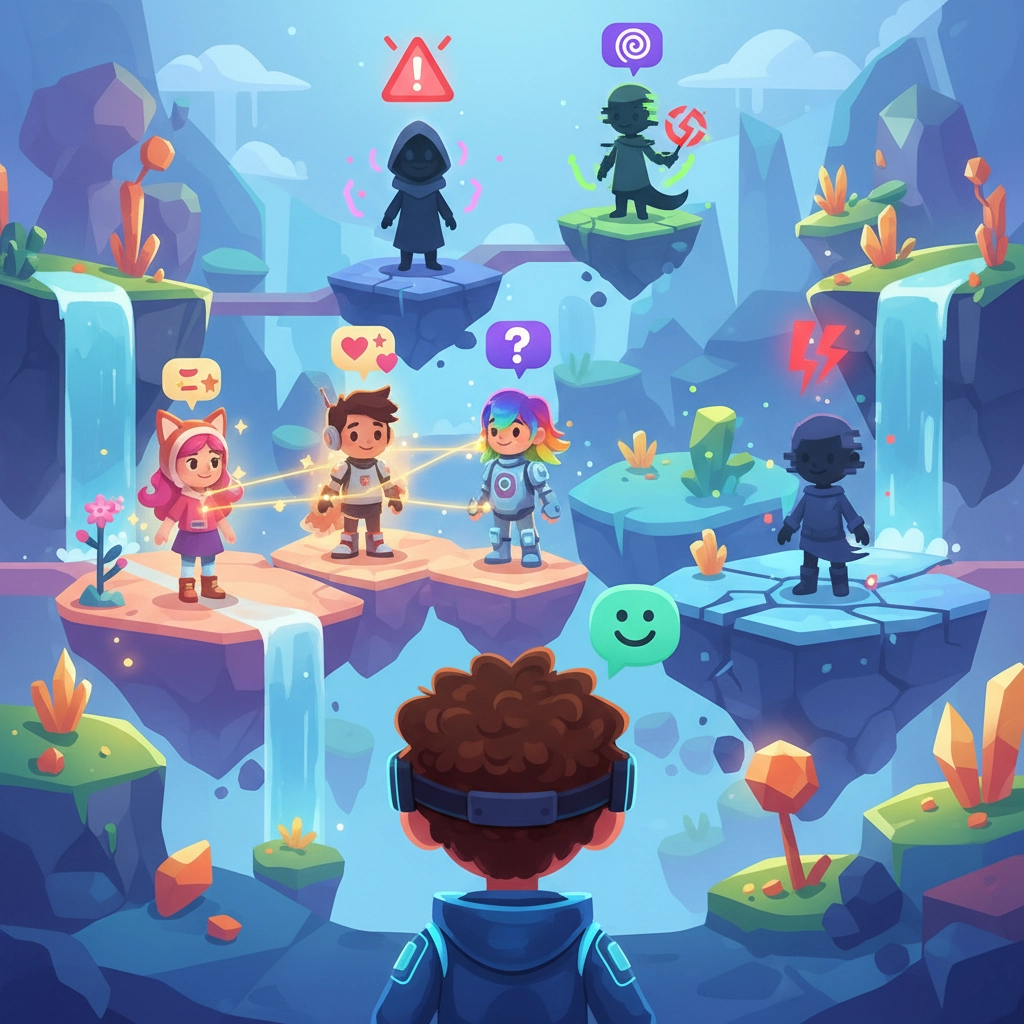
If someone online wants to meet in person, move to private communications, or asks for personal information, these are red flags worth discussing. Help your child practice saying no to these requests and coming to you when they feel uncomfortable.
Establish Clear Boundaries
Setting limits isn't about restricting fun – it's about helping kids develop healthy relationships with technology. Work with your child to establish gaming schedules that leave room for homework, physical activity, family time, and other interests.
Rather than just setting time limits, consider agreeing on specific numbers of games or rounds. This can feel more natural than arbitrarily stopping in the middle of an engaging session.
Keep gaming devices in common areas where natural supervision can occur. This isn't about constant monitoring, but rather creating an environment where gaming happens as part of family life rather than in isolation.
Stay Informed and Flexible
Online gaming evolves rapidly, with new features, games, and safety concerns emerging regularly. Make it a habit to stay informed about the platforms your child uses by following official blogs, safety updates, or parent-focused gaming resources.
Your safety approach should grow and change as your child demonstrates responsibility and maturity. What works for a 7-year-old won't be appropriate for a 13-year-old, and that's okay. Regular family discussions about online experiences help you adjust rules and expectations appropriately.
Remember that your goal isn't to eliminate all risks – it's to help your child develop the judgment and skills they need to navigate digital spaces safely throughout their lives. With thoughtful guidance, clear communication, and appropriate safeguards, online gaming can be a positive part of your child's development while keeping them protected from serious harm.
The key is staying engaged without being overwhelming, protective without being restrictive, and educational without being preachy. Your child's safety online starts with the foundation you build together through trust, communication, and shared understanding of digital citizenship.


Comments
Post a Comment