Online Gaming Safety: Keeping Playtime Fun and Friendly
Online Gaming Safety: Keeping Playtime Fun and Friendly
Gaming is awesome! Whether you're building epic worlds in Minecraft, battling it out in Fortnite, or exploring new adventures in Roblox, online gaming opens up incredible possibilities to play, create, and connect with friends. But just like crossing the street or riding your bike, gaming online comes with some basic safety rules that keep the fun... well, fun!
Think of online gaming safety like wearing a helmet while biking, it doesn't make the ride less exciting, it just makes sure you can keep riding tomorrow. Let's dive into some super simple ways to keep your gaming sessions safe, friendly, and totally epic.
Your Gaming Identity: Be a Mystery Master
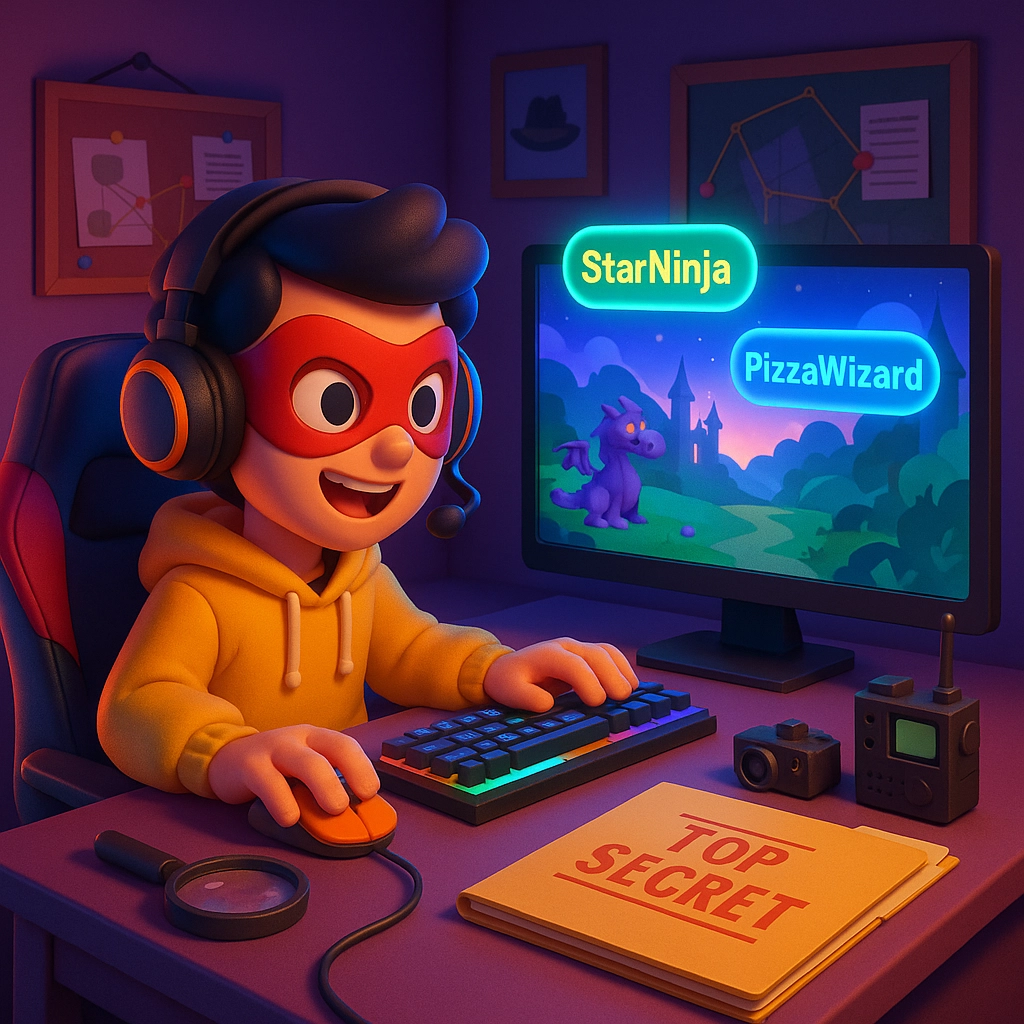
When you're gaming online, think of yourself as a secret agent. The best agents never reveal their real identities, and neither should you! Here's your mission briefing:
Create an Anonymous Gaming Persona
Your username should be like a cool superhero name, creative and fun, but not connected to the real you. Skip anything that includes your actual name, birthday, school, or hometown. Instead of "Sarah2012Chicago," try something like "StarNinja" or "PizzaWizard." Way cooler, right?
Keep Your Personal Info Under Wraps
Never share your real name, age, where you live, what school you go to, or even what you look like. If someone asks these questions, that's actually a red flag! Real gaming friends care about your awesome building skills or epic wins, not where you sleep at night.
The Stranger Danger Digital Edition
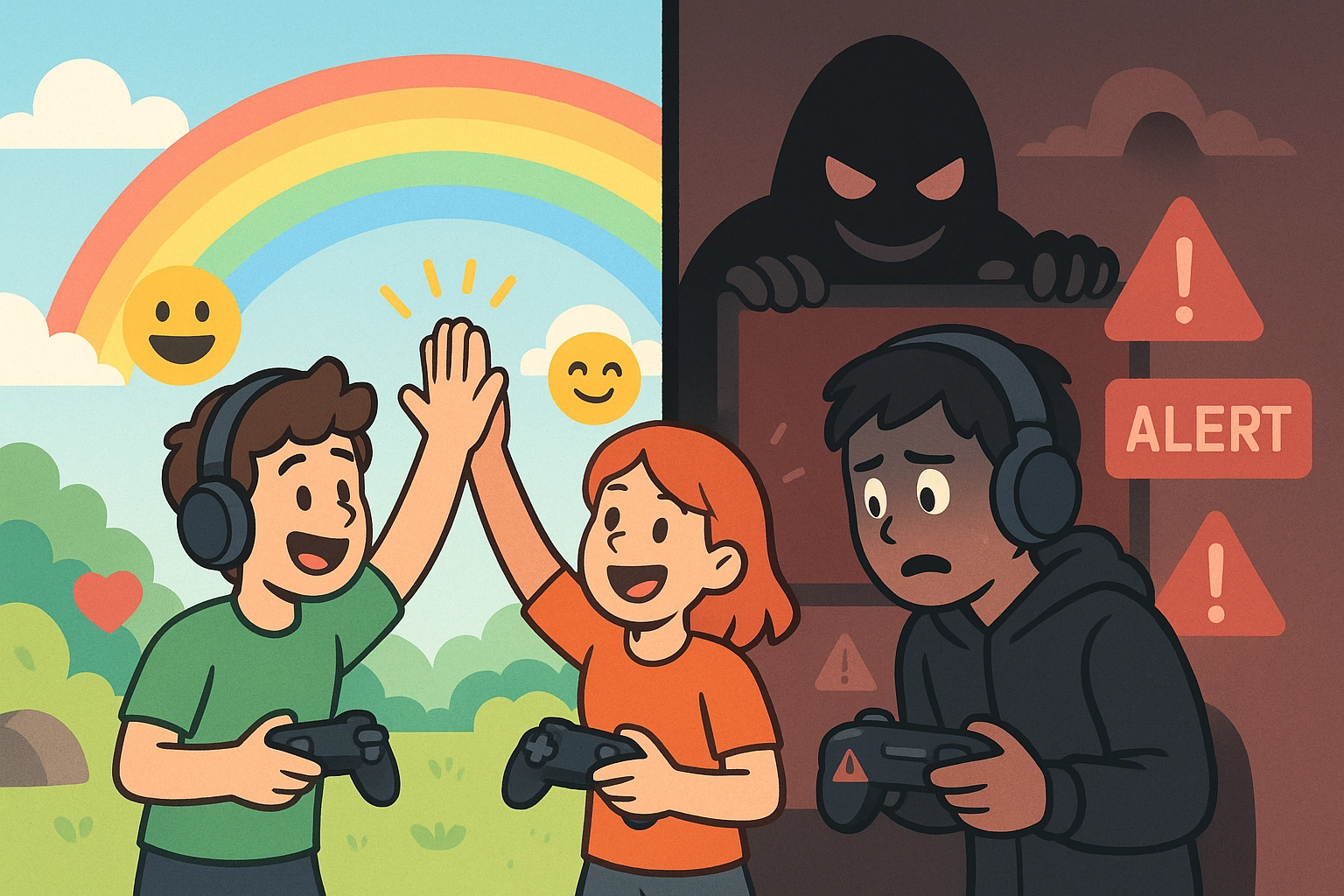
Online gaming introduces you to players from all over the world, which is pretty amazing! But just like in real life, not everyone online has good intentions. Here's how to navigate those tricky situations:
Scenario Time: The Too-Friendly Player
Imagine you're playing your favorite game when someone starts asking lots of personal questions: "What's your real name? How old are you? Want to meet up?"
Your Move: Politely say you don't share personal info, then switch the conversation back to the game. If they keep pushing, it's time to block and report them. A real gaming buddy respects your boundaries!
Scenario Time: The "Special Offer" Scammer
A player messages you: "Hey! I can give you free V-bucks/Robux/coins if you just give me your password!"
Your Move: Nope, nope, nope! Nobody legitimate will ever ask for your password. Report this player immediately. Remember: if it sounds too good to be true, it probably is!
Password Power: Your Digital Fortress
Think of your gaming account password like the key to your house, you wouldn't give that to just anyone! Here's how to create an unbreakable digital fortress:
The Super Password Formula
- At least 12 characters long
- Mix of uppercase letters, lowercase letters, numbers, and symbols
- Unique for each gaming account (yes, each one!)
- Something you can remember but others can't guess
Try this fun method: Think of a sentence you'll remember, then use the first letter of each word plus some numbers and symbols. "I love playing Minecraft with my 3 best friends!" becomes "IlpMwm3bf!" Add some symbols and you've got "IlpMwm3bf!@"
Two-Factor Authentication: Your Backup Bodyguard
When games offer two-factor authentication (2FA), always turn it on! It's like having a second lock on your door. Even if someone guesses your password, they still can't get in without that special code sent to your phone or email.
When Gaming Gets Weird: Your Action Plan
Sometimes gaming takes a turn for the not-so-fun. Here's your game plan for handling uncomfortable situations:
The Immediate Block-and-Report Strategy
If someone is being mean, sending inappropriate messages, or making you uncomfortable in any way, don't try to argue or reason with them. Block them immediately and report them to the game's moderators. You're not being mean: you're protecting yourself and other players!
Trust Your Gut Feeling
If something feels off about a player or situation, trust that instinct. Maybe they're asking too many questions, trying to get you to download something, or pressuring you to do things that make you uncomfortable. When your brain says "this is weird," listen to it!
Creating Your Safe Gaming Space
Choose Your Gaming Platforms Wisely
Stick to well-known, official gaming platforms like Epic Games, Steam, or official app stores. Avoid downloading games from random websites, even if they promise "free premium versions": these often contain nasty surprises like viruses or malware that can mess up your device.
Privacy Settings Are Your Best Friend
Most games start with pretty open privacy settings, meaning strangers can see your profile, friends list, and gaming activity. Take a few minutes to explore the privacy settings and lock things down. Make your profile private, limit who can send you friend requests, and control who can see when you're online.
Voice and Video Chat Considerations
Voice and video chats can be fun with friends, but be extra cautious with strangers. Consider using text chat instead, or if you do use voice chat, never share details about your surroundings that might give away your location.
Family Gaming: Making It a Team Sport
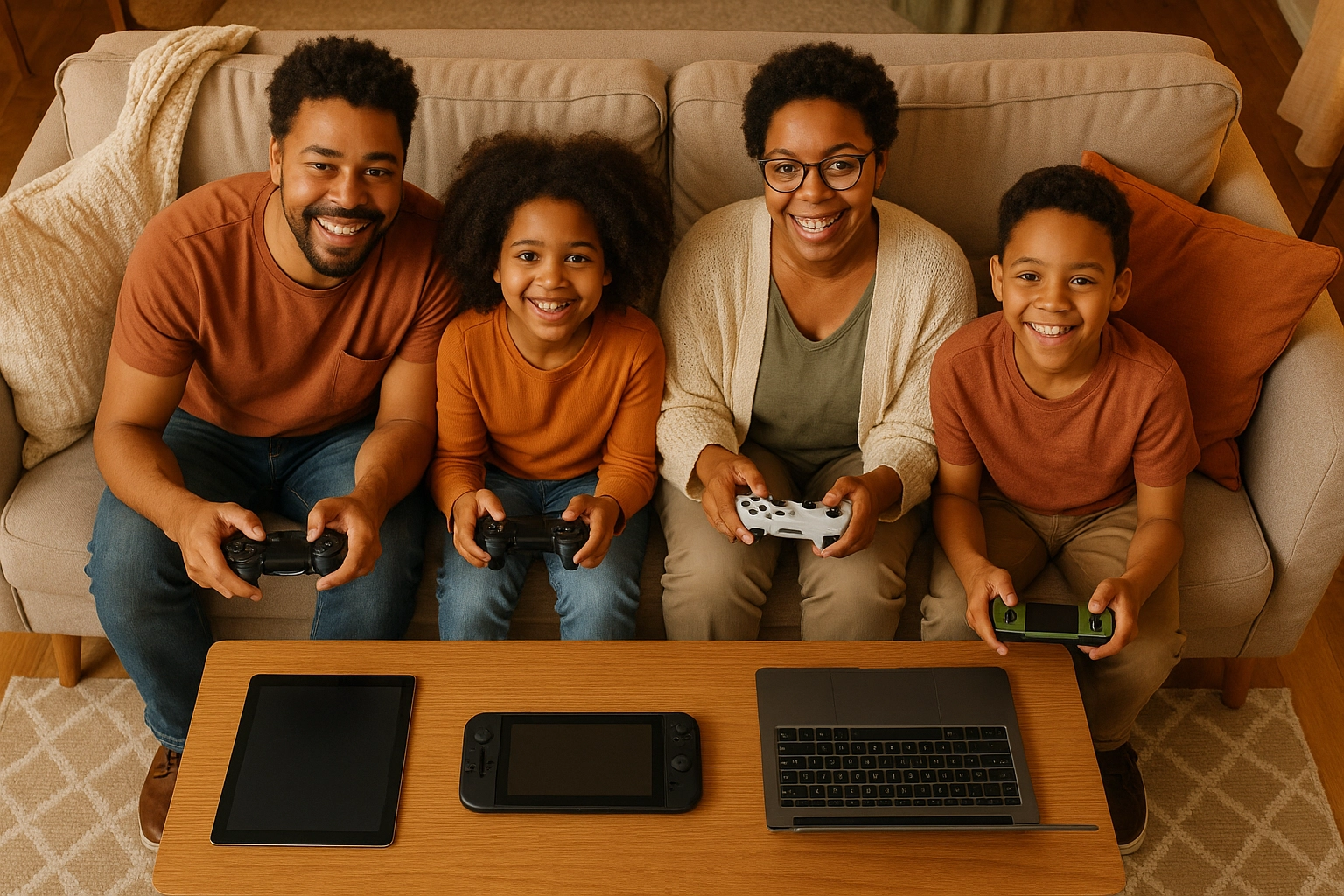
Gaming safety works best when your whole family is on the same team. Here are some ways to get everyone involved:
Play Together Sometimes
One of the best ways for parents to understand gaming is to actually play! Whether it's building something cool in Minecraft Creative Mode or trying out some Roblox mini-games, gaming together creates natural opportunities to talk about safety and helps parents spot potential issues.
Create Family Gaming Rules
Work together to establish gaming boundaries that feel fair to everyone. Maybe it's no gaming until homework is done, or having tech-free family dinner time. When rules feel like a team decision rather than a punishment, they're easier to follow.
Quick Safety Scenarios: Test Your Skills!
Scenario 1: You're playing online when someone offers to "boost your account" if you share your login information.
What do you do?
Scenario 2: A player you've been gaming with for a while suggests meeting up in real life.
What's your response?
Scenario 3: Someone is using mean language and bullying other players in your game lobby.
How do you handle this?
Scenario 4: You get a friend request from someone claiming to be a famous gamer or celebrity.
What's your move?
(Answers: 1) Never share login info: report this player, 2) Politely decline and don't share personal details, 3) Don't engage: report the behavior, 4) Be skeptical: real celebrities rarely randomly friend request regular players)
Family Discussion Starters
Here are some conversation starters for your family gaming safety talks:
- "What would you do if someone online asked to meet you in person?"
- "How can we tell if a gaming friend is really who they say they are?"
- "What information is okay to share with gaming friends, and what should we keep private?"
- "What's our plan if someone online makes you feel uncomfortable?"
- "How can we balance gaming time with other activities we enjoy?"
Your Gaming Safety Toolkit
Daily Habits:
- Check privacy settings regularly
- Keep software and games updated
- Use strong, unique passwords
- Trust your instincts about other players
Red Flag Alerts:
- Anyone asking for personal information
- Requests to download unknown files
- Pressure to meet in real life
- Players who make you feel uncomfortable
Emergency Plan:
- Block immediately when needed
- Report problematic players
- Tell a trusted adult about concerning interactions
- Take breaks when gaming stops being fun
The goal isn't to make gaming scary: it's to make it sustainably awesome! By following these simple safety practices, you're setting yourself up for years of epic gaming adventures. Remember, the best gamers are smart gamers who know how to protect themselves while having a blast.
Safe gaming isn't about limiting your fun; it's about making sure the fun never has to stop. So gear up, game smart, and get ready for some seriously safe and epic adventures online!


Comments
Post a Comment