Recognizing Unsafe Requests Online
Recognizing Unsafe Requests Online
Picture this: You're scrolling through your favorite app when a message pops up asking for your password "to win a free gaming console!" Your finger hovers over the screen. Something feels... off. But what exactly?
Welcome to the world of unsafe online requests – those sneaky digital tricks that try to get you (or your personal info) to do things you shouldn't. The good news? Once you know what to look for, spotting them becomes as easy as recognizing a knock-knock joke!
What Exactly Are "Unsafe Requests"?
Think of unsafe requests as the online equivalent of someone you don't know asking you to get in their van for "free candy." Except instead of candy, they're after your passwords, personal details, or trying to trick you into clicking dangerous links.
These requests come in all shapes and sizes:
- Messages asking for your login information
- Emails claiming you've won prizes (that you never entered to win)
- Pop-ups demanding immediate action or your computer will "explode"
- Friend requests from people with no mutual connections
- Apps asking for way more permissions than they need
The Top Red Flags That Scream "DANGER!"
1. The "Urgency" Trap
Unsafe requests love to create fake emergencies. They'll say things like "ACT NOW!" or "Your account will be deleted in 24 hours!" Real companies don't usually threaten to delete your account via random pop-ups. They send official emails and give you plenty of time to resolve issues.
2. Asking for Passwords or Personal Info
Here's a golden rule: Legitimate websites and apps will NEVER ask you to provide your password through email, text, or direct message. If Netflix, your school, or even your bank needs you to update something, they'll ask you to log in to their official website or app directly.
3. Too Good to Be True Offers
"Congratulations! You've won $1000!" But wait... you never entered any contest. If you didn't sign up for something, you can't win it. These fake prize notifications are like digital mousetraps – they look tempting but snap shut when you bite.
4. Suspicious Links and URLs
Safe websites usually have clean, professional web addresses. Be cautious of links with:
- Lots of random numbers and letters
- Misspelled company names (like "Amaz0n.com" instead of "Amazon.com")
- Weird endings that don't match the supposed company
Social Media and Gaming: Where Tricks Hide in Plain Sight
The Fake Friend Phenomenon
Someone with zero mutual friends wants to connect with you. Their profile has three photos (all look like stock images), and they're asking personal questions right away. Real friends don't usually slide into your DMs asking about your home address or what school you attend.
Gaming Platform Tricks
"Free V-Bucks! Just enter your login details here!" Sound familiar? Gaming platforms are playgrounds for scammers because they know kids and teens are eager for in-game currency or rare items. Remember: if a game company wants to give you free stuff, they'll do it through their official app or website.
The "Verification" Scam
"Your account needs verification! Click here and enter your password." Real platforms handle verification through secure, official channels. They won't ask you to verify through suspicious links or third-party websites.

Phone and Text Message Red Flags
Your phone buzzes. The text says it's from your bank, but something seems fishy. Here's how to tell:
Legitimate messages include:
- Official sender names or numbers you recognize
- Generic information (no specific account details mentioned)
- Instructions to log in to the official app or website
Suspicious messages often:
- Ask for passwords or PINs via text
- Include clickable links to "urgent" actions
- Threaten immediate account closure
- Have poor grammar or spelling errors
What to Do When Your Safety Radar Goes Off
Step 1: Pause and Think
Before clicking, typing, or responding, take a breath. Ask yourself: "Does this make sense? Why would they need this information? Is this how this company usually contacts me?"
Step 2: Verify Independently
If a message claims to be from a company you use, don't click their links. Instead, open a new browser tab and go directly to the company's official website. Log in there and check if there are any real issues with your account.
Step 3: Talk to a Trusted Adult
When in doubt, ask! Parents, teachers, or guardians have likely seen similar tricks before. There's no shame in double-checking – even adults fall for these sometimes.
Step 4: Report and Block
Most platforms have ways to report suspicious messages or profiles. By reporting them, you're not just protecting yourself – you're helping protect other users too. Think of it as being a digital superhero!
Making Safety a Habit
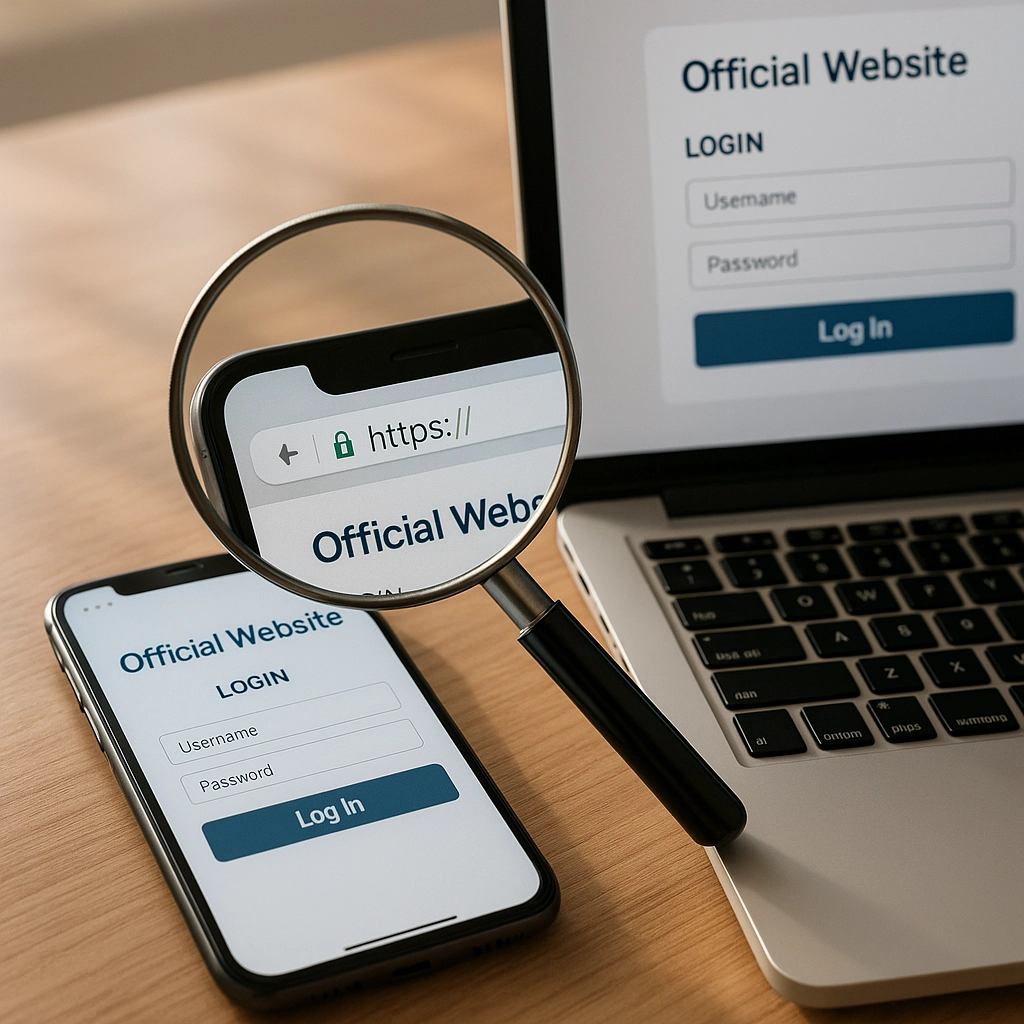
The "Official Website" Rule
When you want to access any account or service, type the website address directly into your browser or use the official app. This simple habit eliminates most unsafe request risks.
Trust Your Gut
If something feels weird, it probably is. Your instincts are often right about these things. That uncomfortable feeling when reading a suspicious message? That's your brain's safety system working perfectly.
Keep Learning Together
Make online safety a family conversation. Share weird messages you've received, discuss new scams you've heard about, and celebrate when someone in your family spots a potential trick. Knowledge is power, and sharing knowledge makes everyone stronger.

The Bottom Line
Recognizing unsafe requests online isn't about becoming paranoid – it's about becoming smart. Just like you learned to look both ways before crossing the street, recognizing digital red flags becomes second nature with practice.
Remember: legitimate companies, friends, and organizations respect your privacy and security. They don't pressure you with urgent demands, don't ask for sensitive information through insecure channels, and they understand if you want to verify their identity before sharing anything personal.
You've got this! With these skills in your digital toolkit, you're well-equipped to navigate the online world safely and confidently. And hey, the next time a friend gets a suspicious message, you'll be the safety expert who can help them out too.
Stay smart, stay safe, and keep enjoying all the amazing things the internet has to offer – just with your safety radar turned on!


Comments
Post a Comment